
A Switch Connects To A Server
Search optical fiber, connectivity, cable management and network infrastructure references.
- Switch
- Connects
- Server
Articles and technical references
7 on this page-
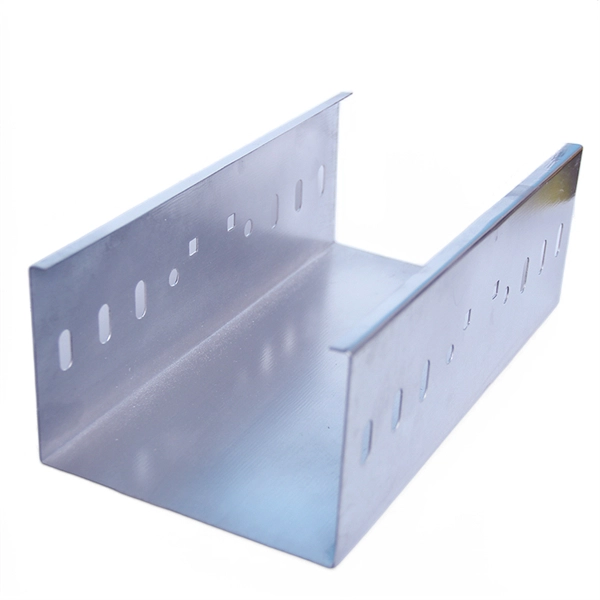
Layout of switch patch panels and cable management racks in the server rack
Place patch panels at the top, followed by 1U cable managers and switches in a "sandwich" layout (Panel-Manager-Switch) to minimize patch cable length. Install the UPS at the bottom of the rack (typically U1-U3). This prevents top-heaviness and provides a stable center of...
[PDF Version]
-

Huawei switch connects two bandwidths
Layer 2 Switching According to the preceding forwarding process, a Layer 2 device maintains a MAC address table and forwards Ethernet frames based on desti.
[PDF Version]
-
Is the server a core switch
Core Switch vs. Distribution Switch vs. Access Switch What is a Core Switch? A core switch is the primary switch installed at the backbone of a layered or.
[PDF Version]
-
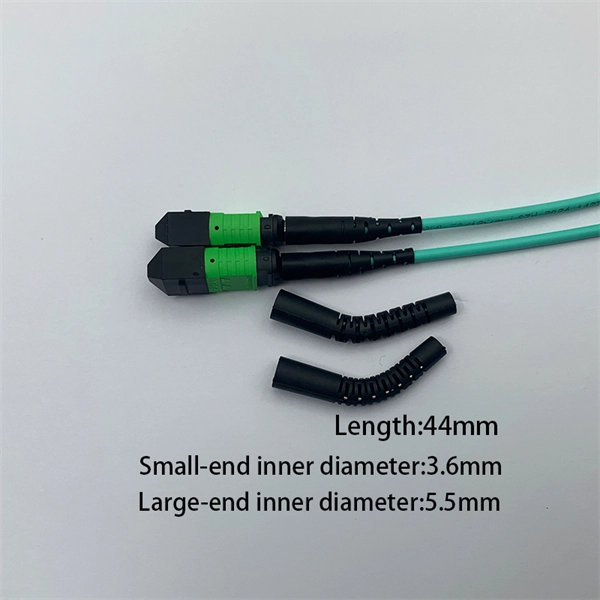
What is a switch that connects to fiber optic cables called
Fiber Optic Switch Guide: Definition, Connection Methods, Cabling. In many professional contexts, “fiber optic switch” often refers to a Fibre Channel sw.
[PDF Version]
-
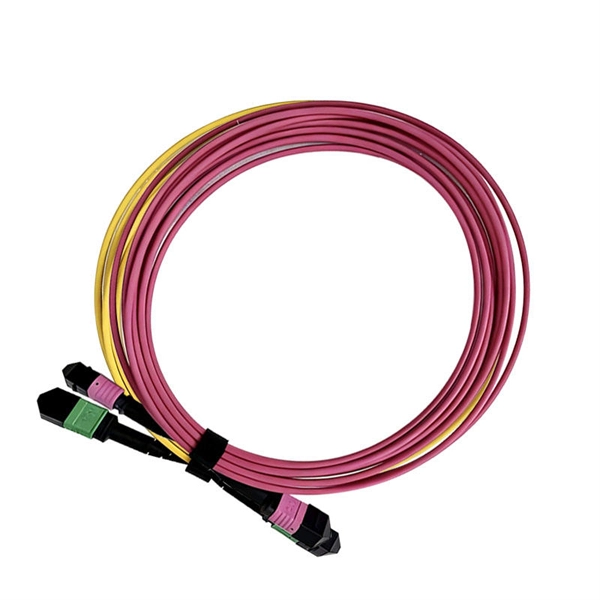
One switch connects two networks
A switch is a device in a that connects other devices together. Multiple data cables are plugged into a switch to enable communication between different networked devices. Switches manage the flow of data across a network by transmitting a received only to the one or more...
[PDF Version]
-
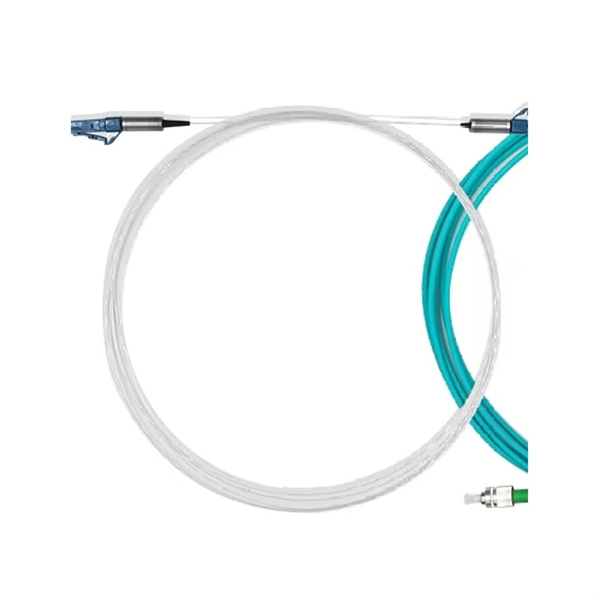
Switch Server Optical Module
How To Choose Optical Modules For Servers Therefore, when configuring optical modules for servers, it is necessary to select the type of optical modules an.
[PDF Version]
-
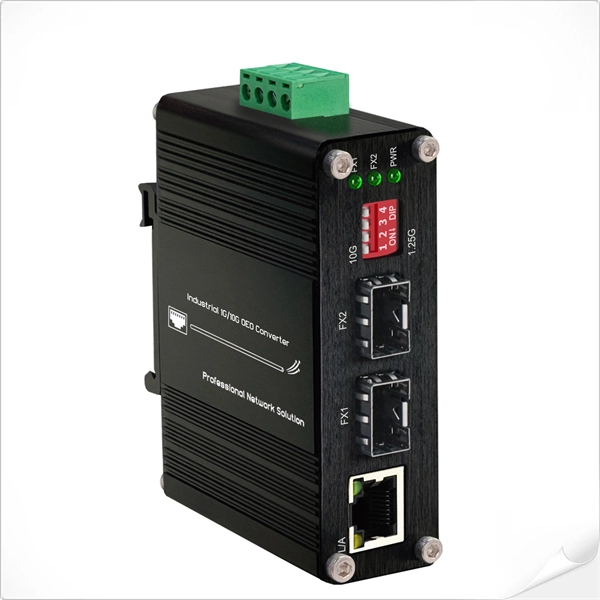
ONU can act as an aggregation connection to the original switch
With the modes balance-rr, balance-xor, broadcast and 802.3ad, all physical ports in the link aggregation group must reside on the same logical switch, which, in most common scenarios, will leave a single point of failure when the physical switch to which all links are...