
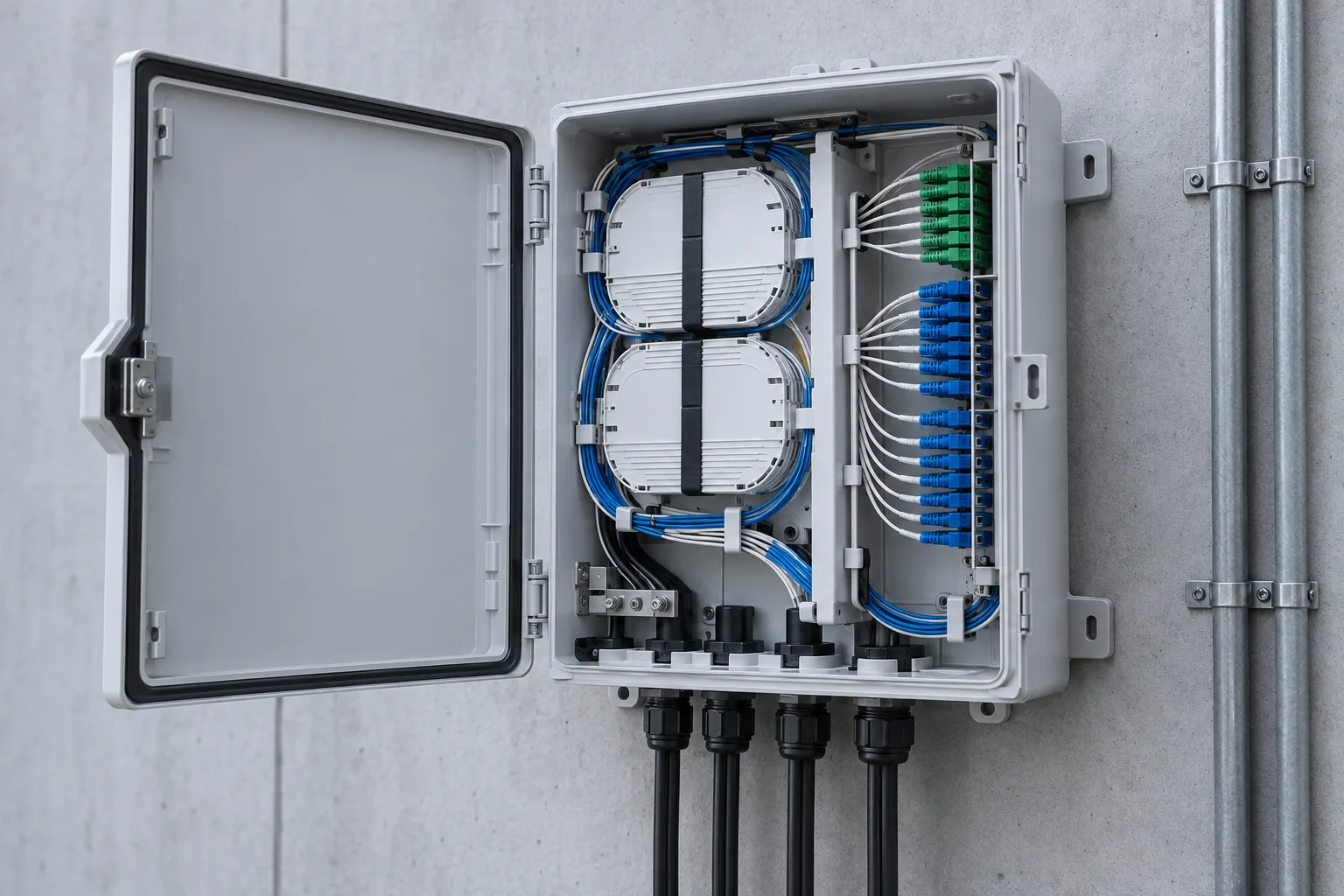
Distribution hardware
Fiber distribution boxes
Bring feeder and drop fibers together at a service point with protected space for adapters, splices and slack.
- Selection checks
- Adapter format, splice capacity, cable entries and mounting
Find the hardware for each part of the link, from feeder cable and access distribution to rack termination and acceptance testing.
24 product types
Distribution hardware
Bring feeder and drop fibers together at a service point with protected space for adapters, splices and slack.
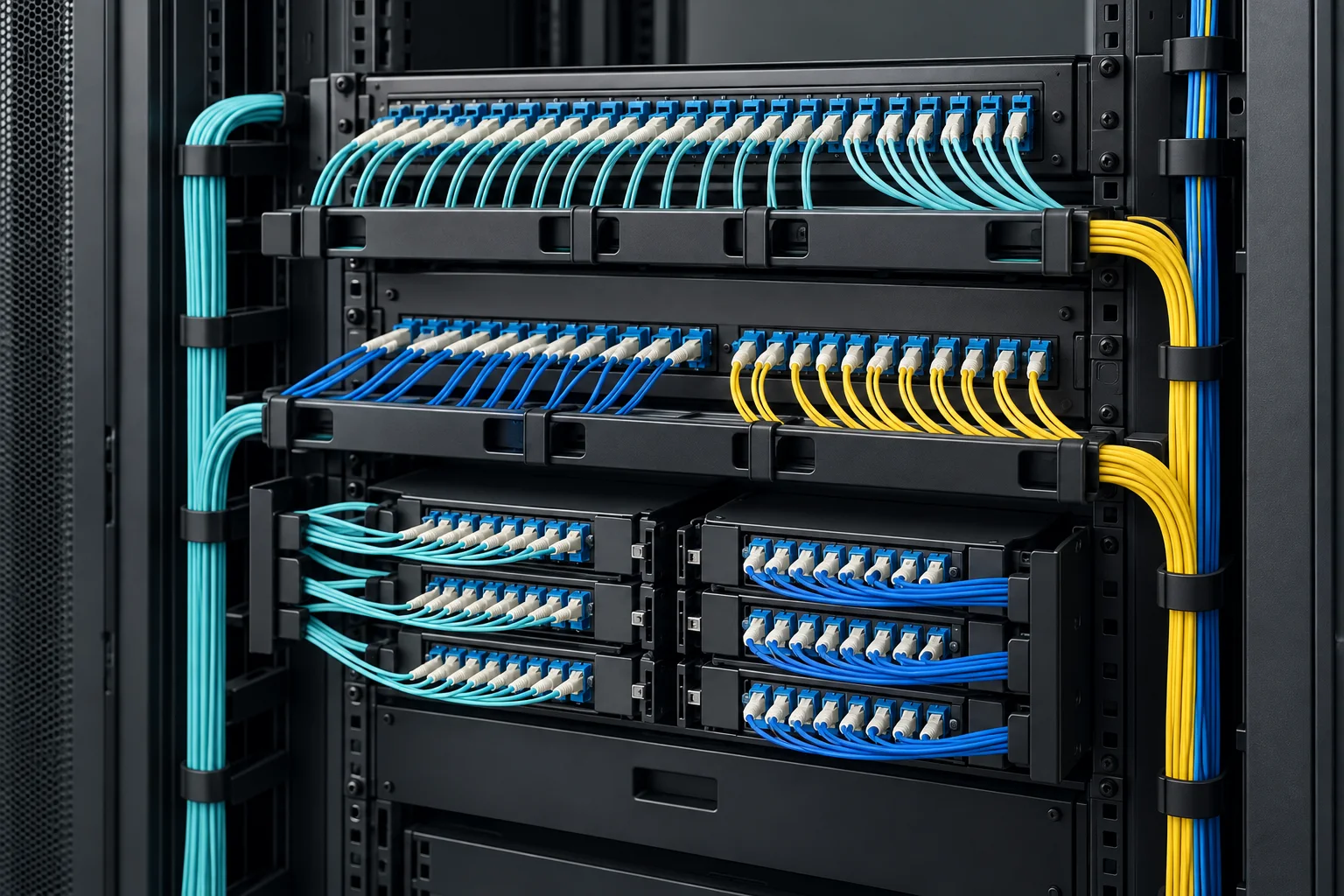
Distribution hardware
Terminate backbone fibers and connect equipment through a labeled rack interface that can be serviced from the designated side.
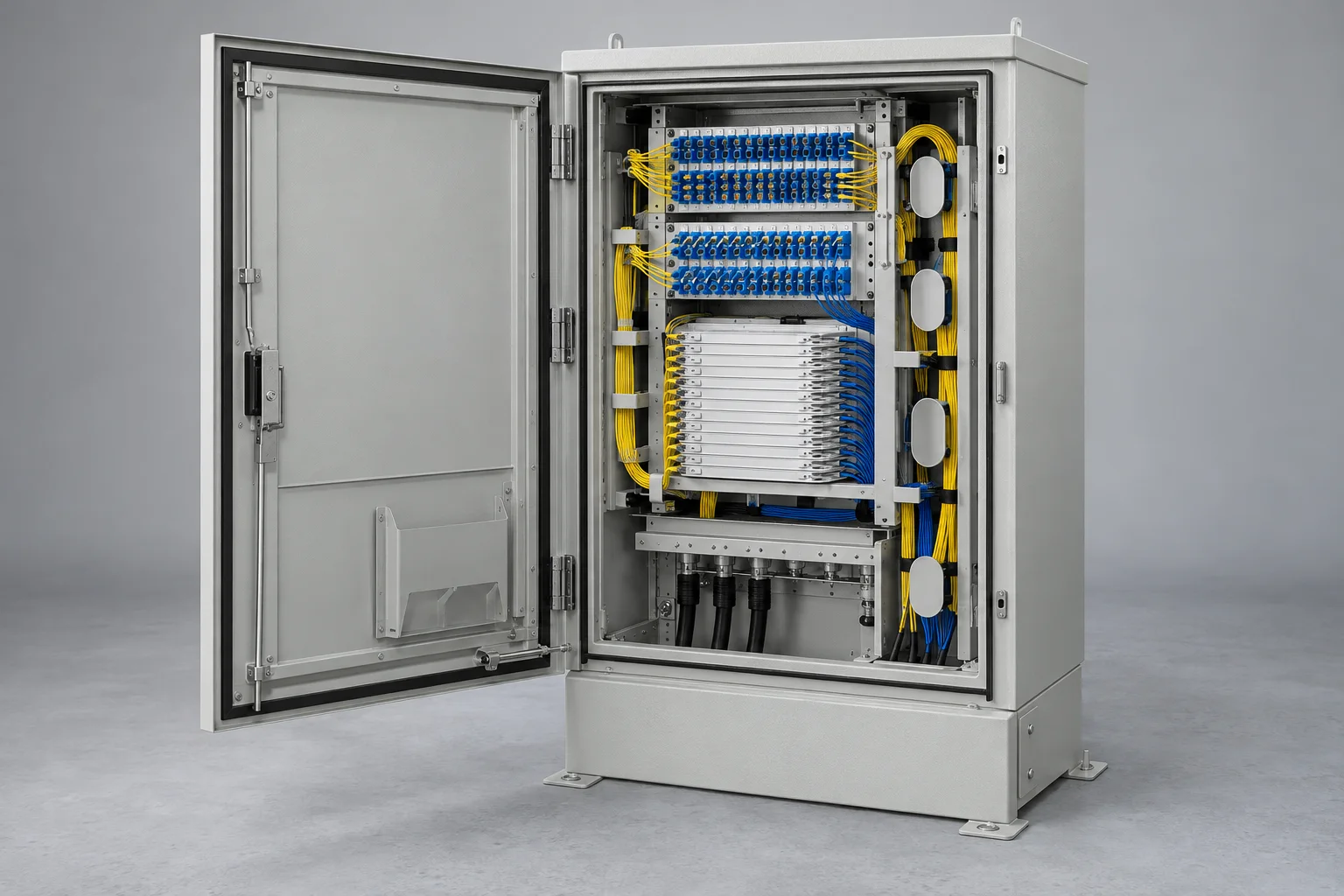
Distribution hardware
Provide an accessible cross-connect point between feeder and distribution cables with room for patching and spare fibers.
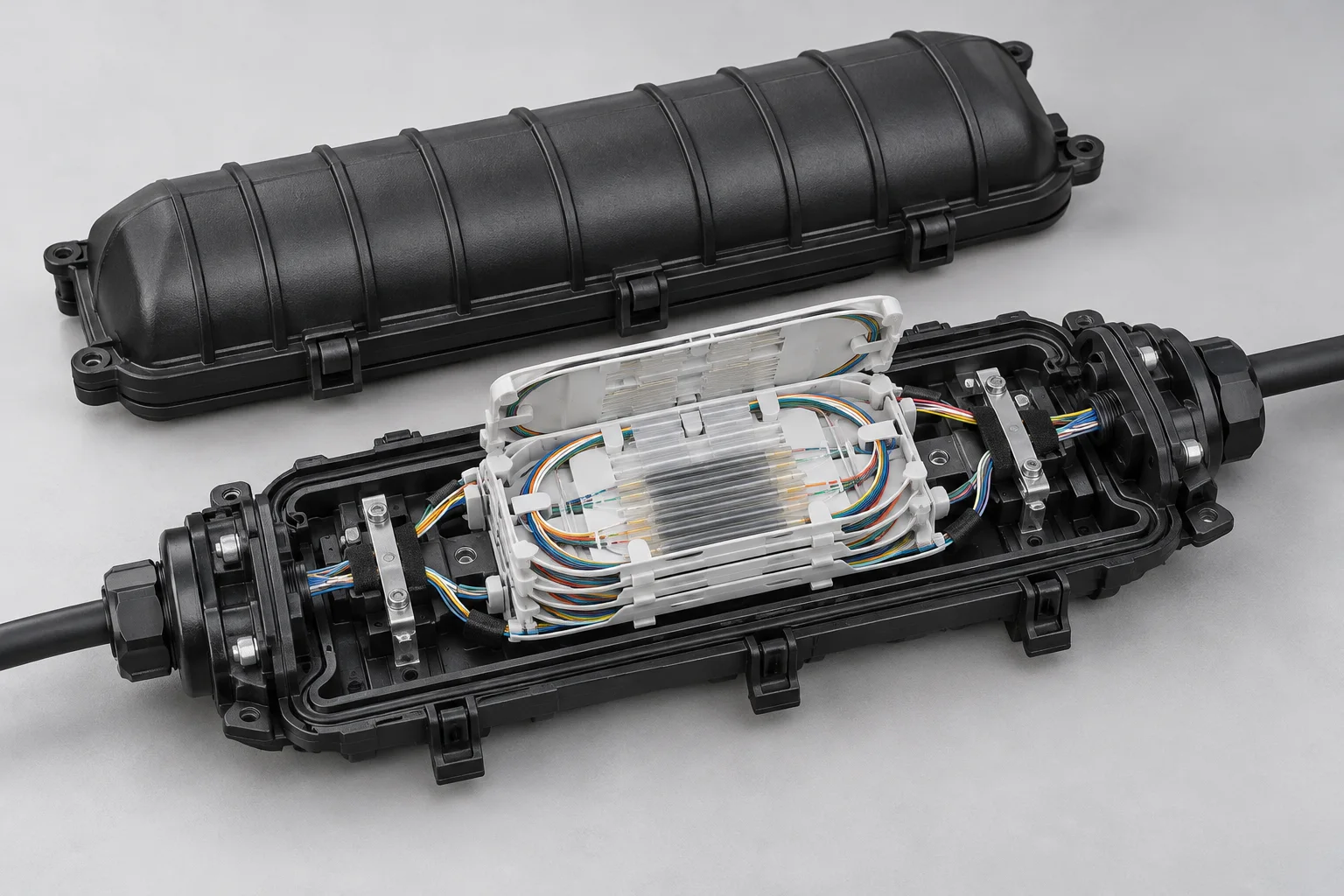
Distribution hardware
Protect inline or branching splices on outside routes and organise trays for later access.
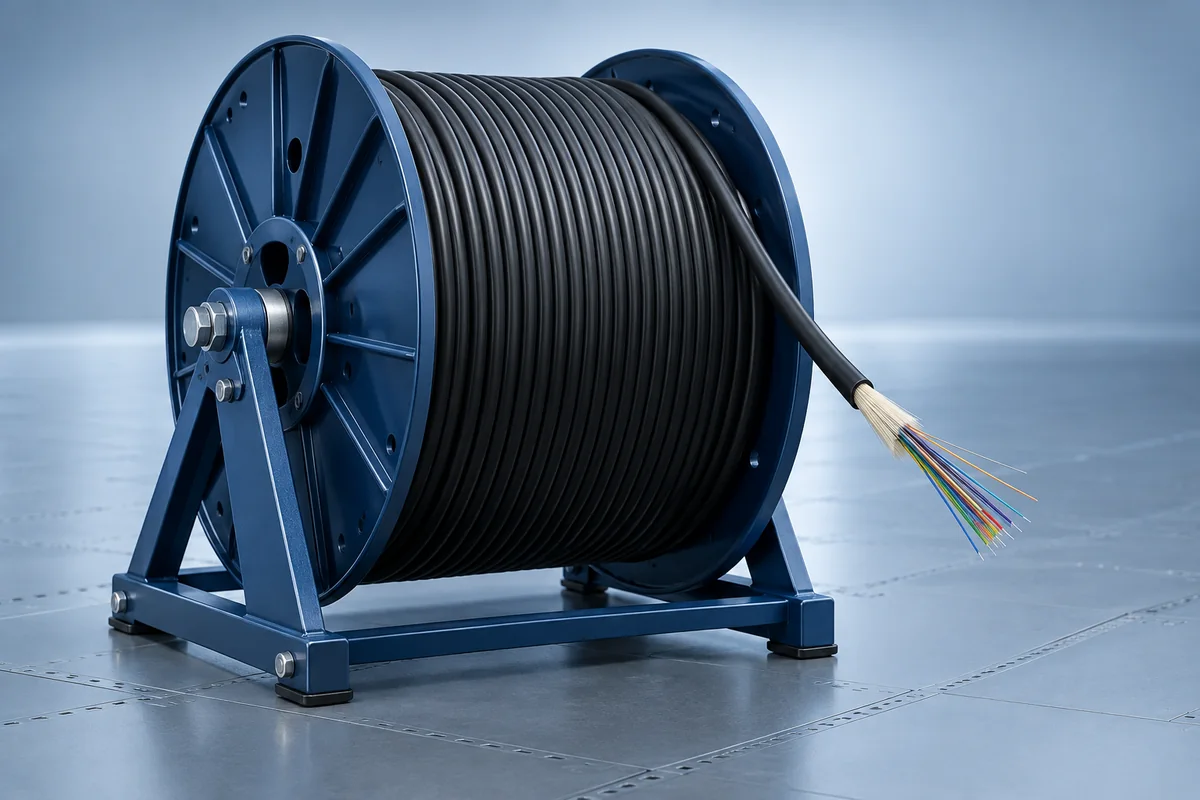
Fiber cable
Select the cable construction for the pull, environment and intended termination points along the backbone or feeder route.
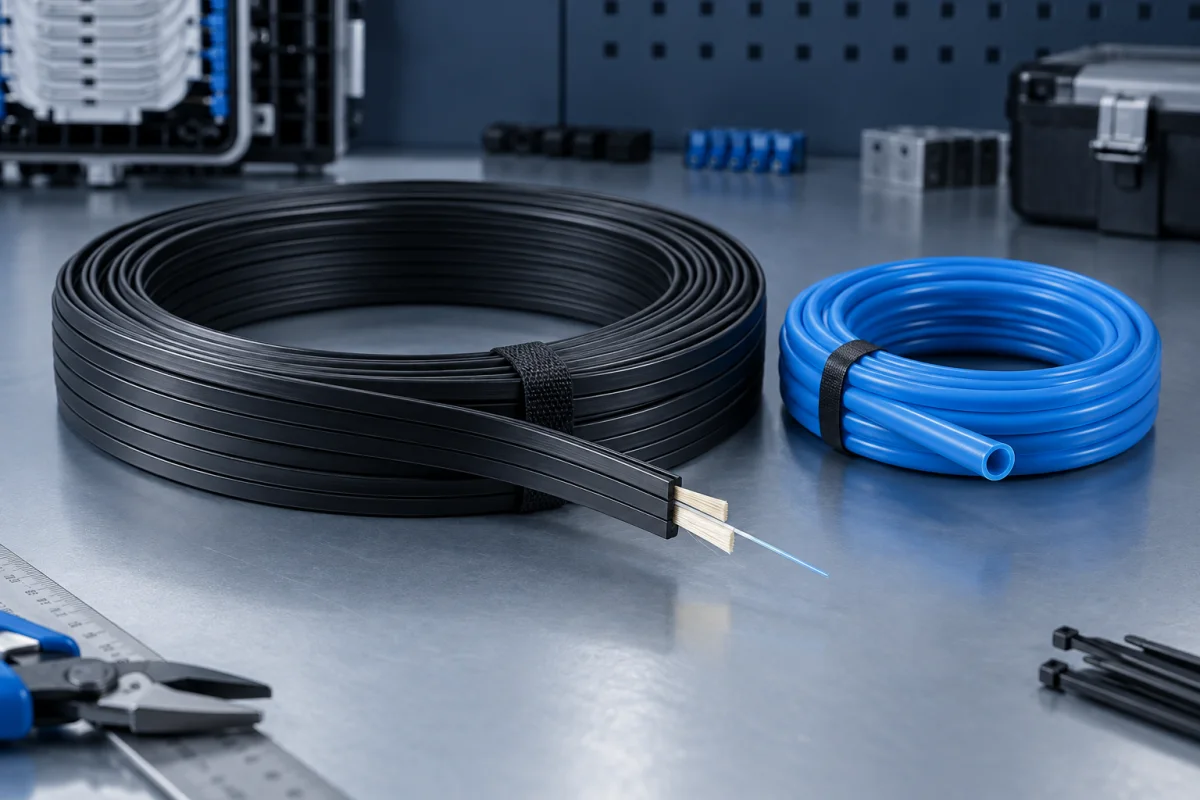
Fiber cable
Connect a distribution point to a subscriber or building entry through the available final route.
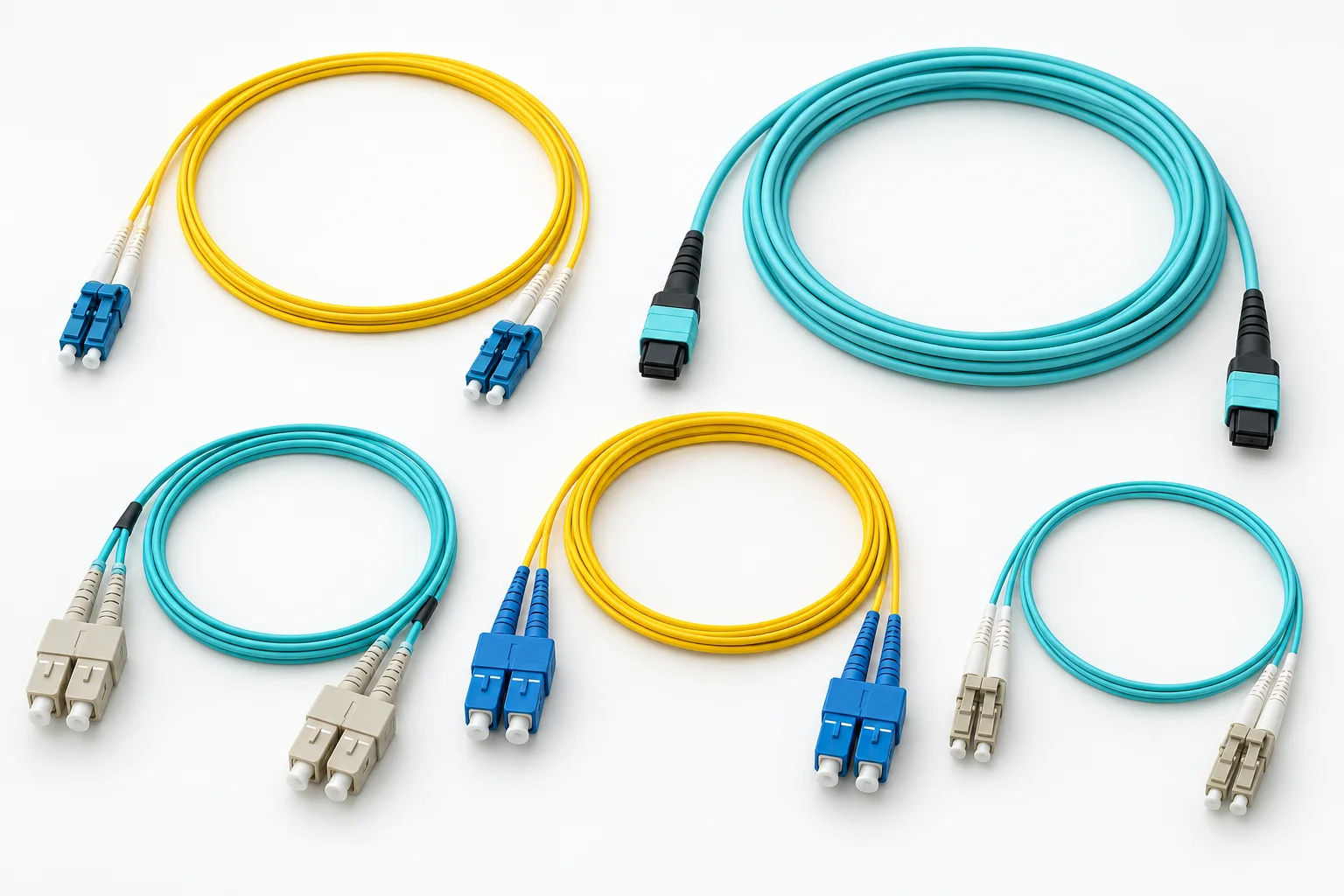
Connector assemblies
Connect active equipment and panels using patch cords, or use pigtails to splice connectorised ends onto installed fibers.
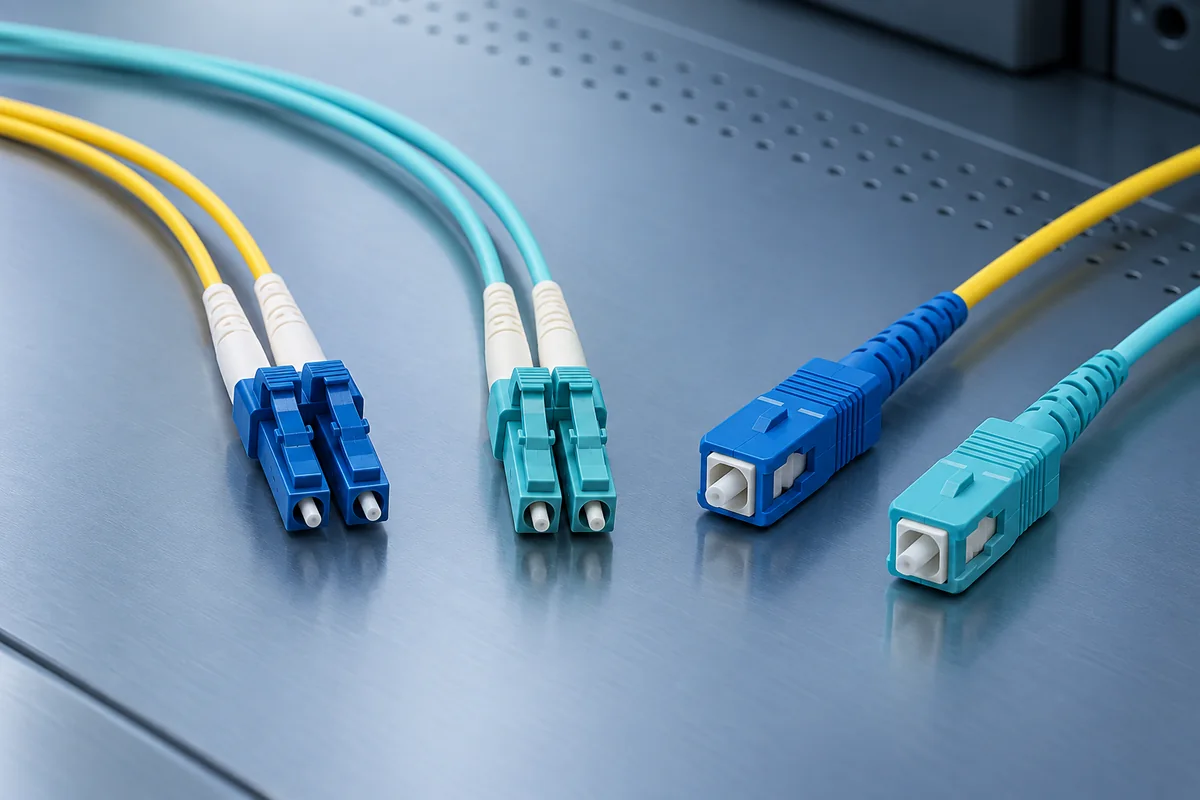
Connector assemblies
Match connector style and polish across adapters, panels and the device at the other end of each lead.
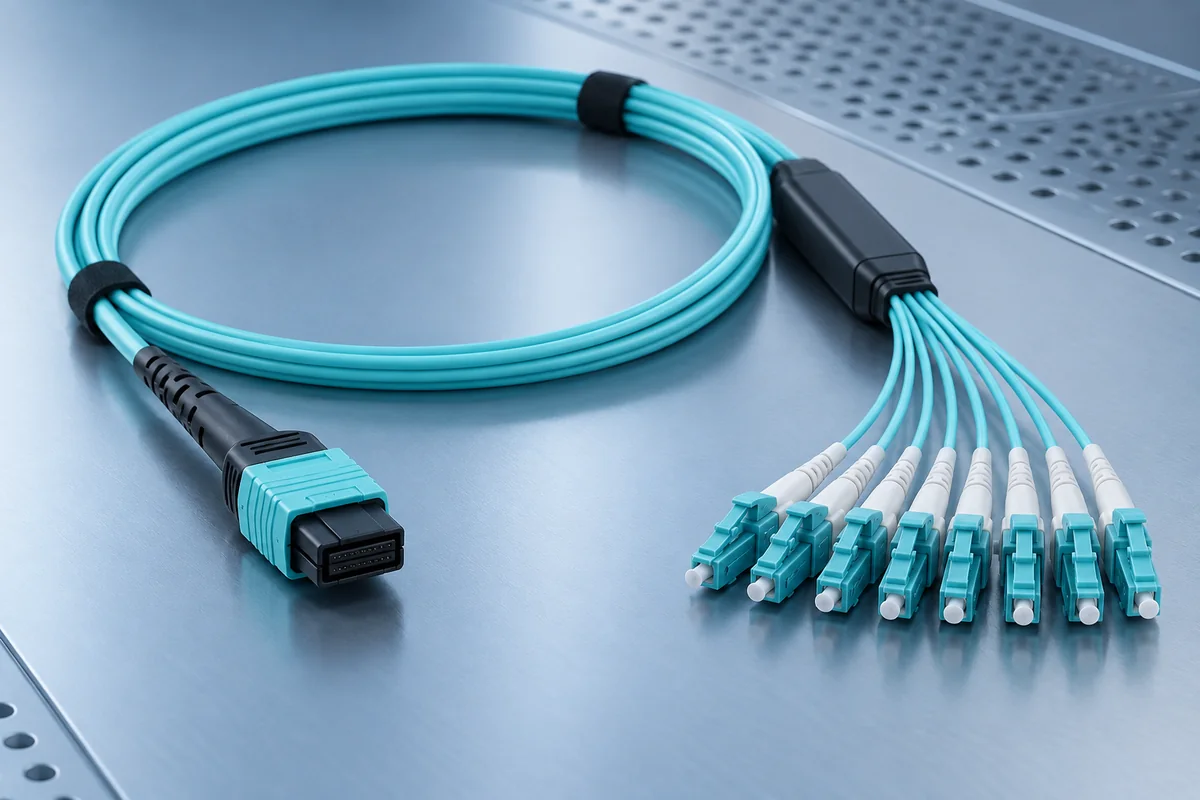
Connector assemblies
Carry multiple fibers between high-density endpoints, then map each channel through the breakout or cassette.
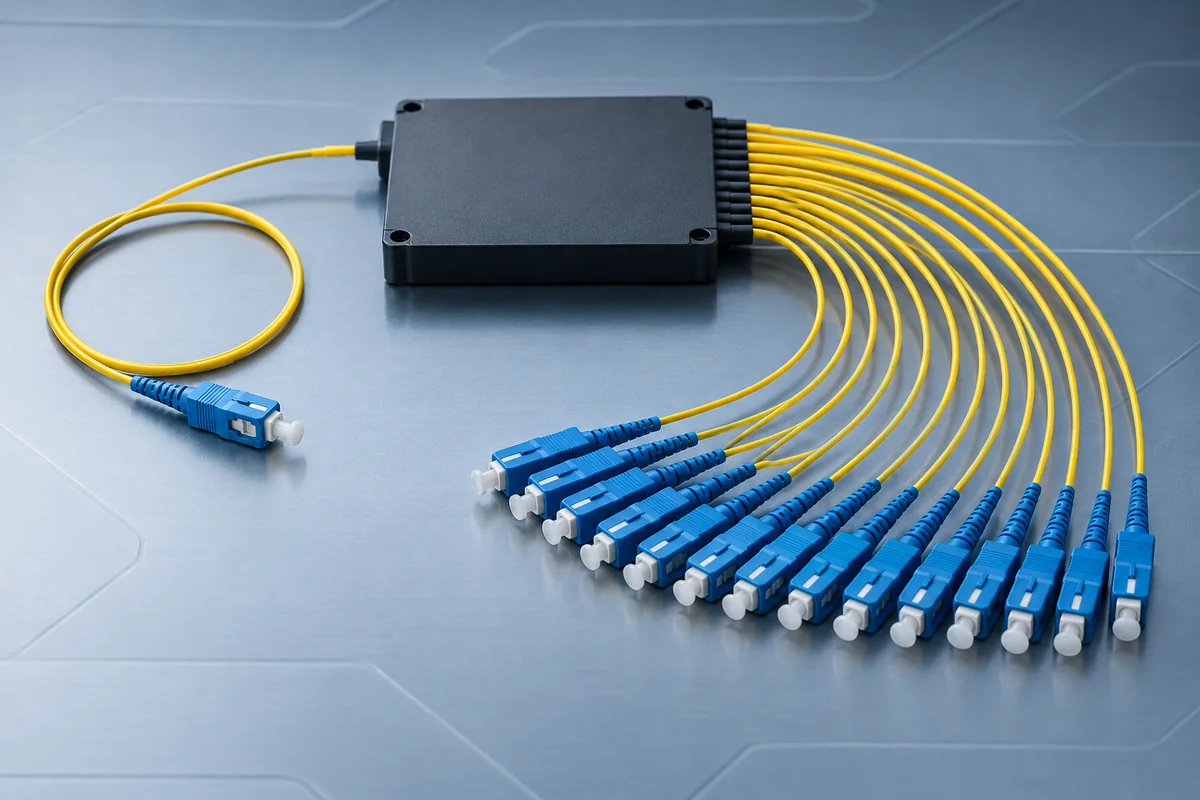
Passive optics
Divide one optical input among several paths on an access network. Include the specified splitter loss in the link budget.
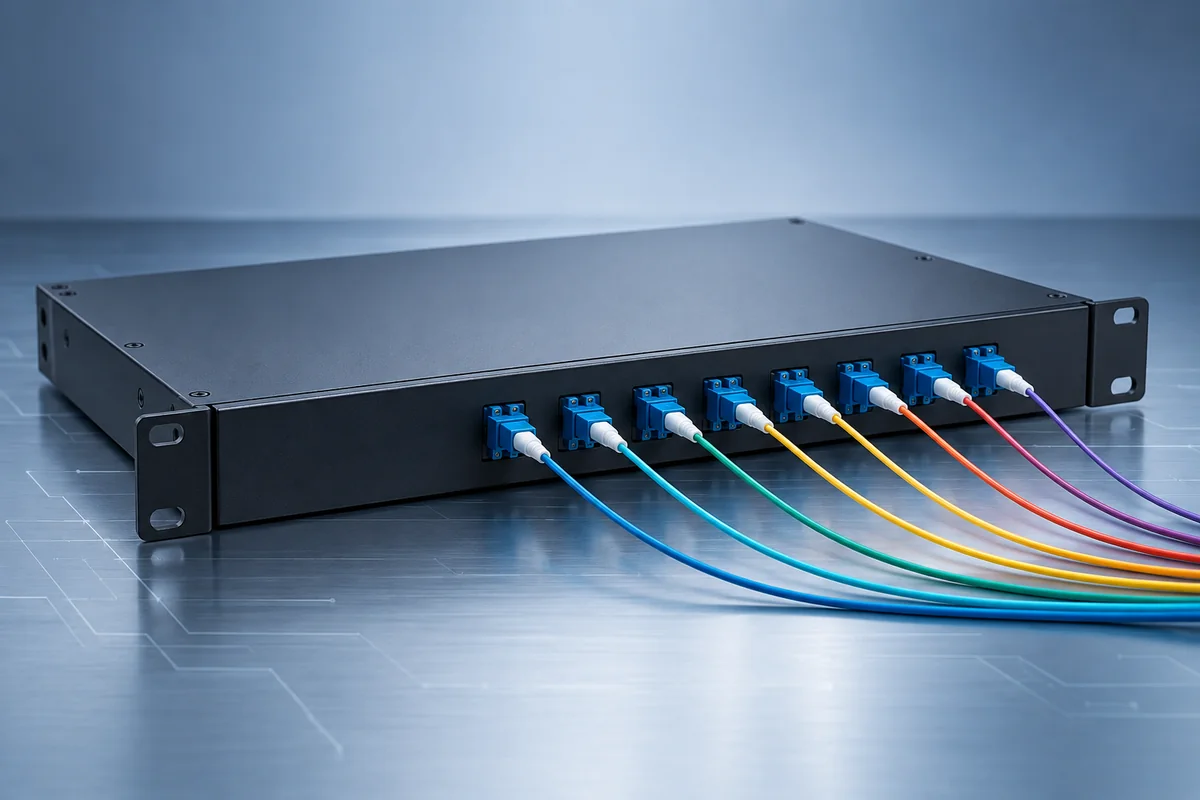
Passive optics
Combine or separate wavelength channels on shared fiber where the optics and channel plan support them.
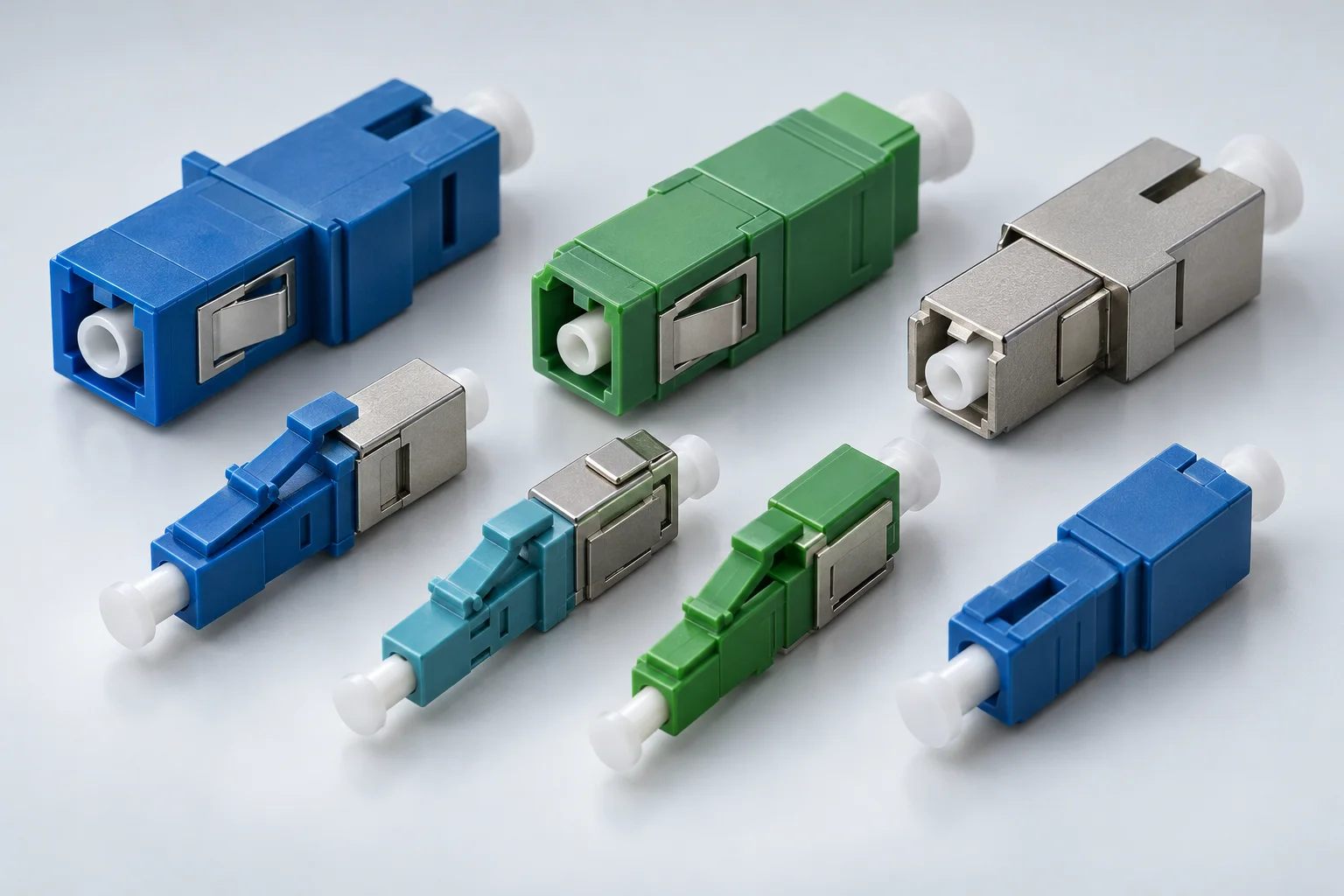
Passive optics
Add a defined amount of loss where the receive power would otherwise exceed the selected receiver's operating range.
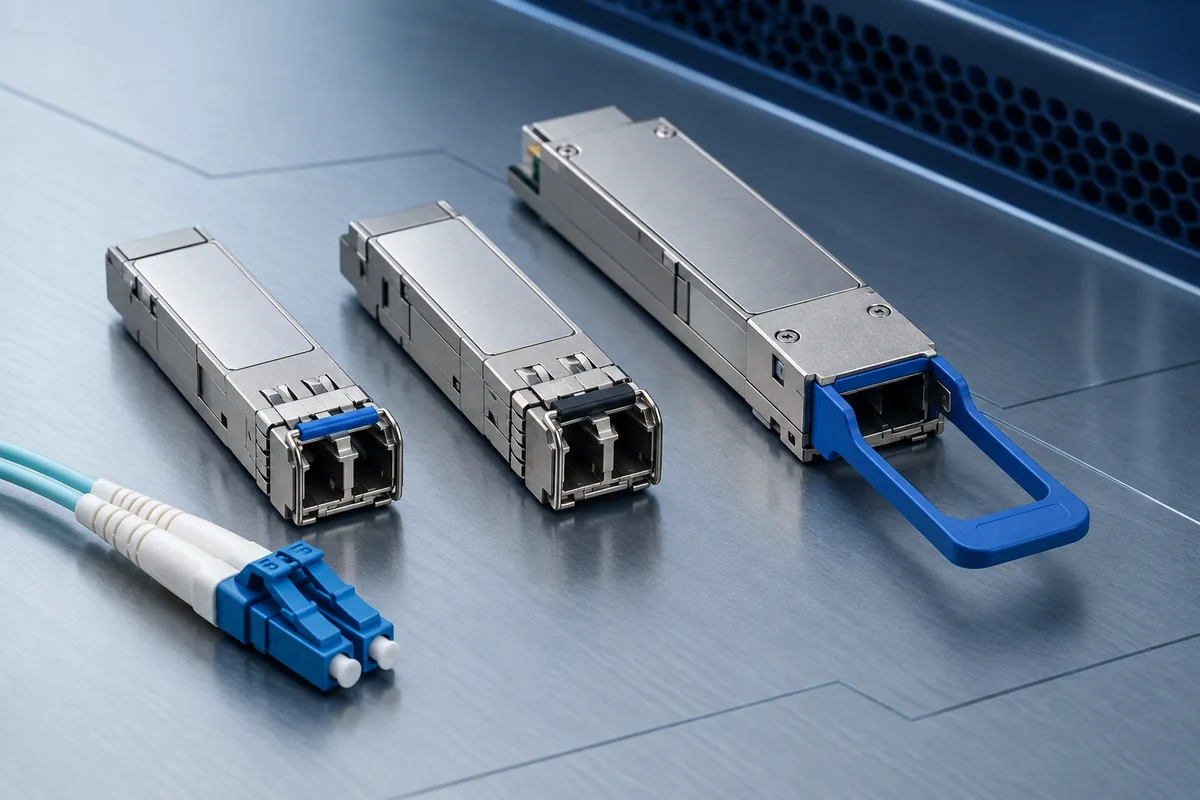
Active optics
Specify the optical interface at each device before fixing the route budget and jumper requirements.

Active optics
Bridge supported copper and fiber Ethernet interfaces where equipment and room layouts require a transition.
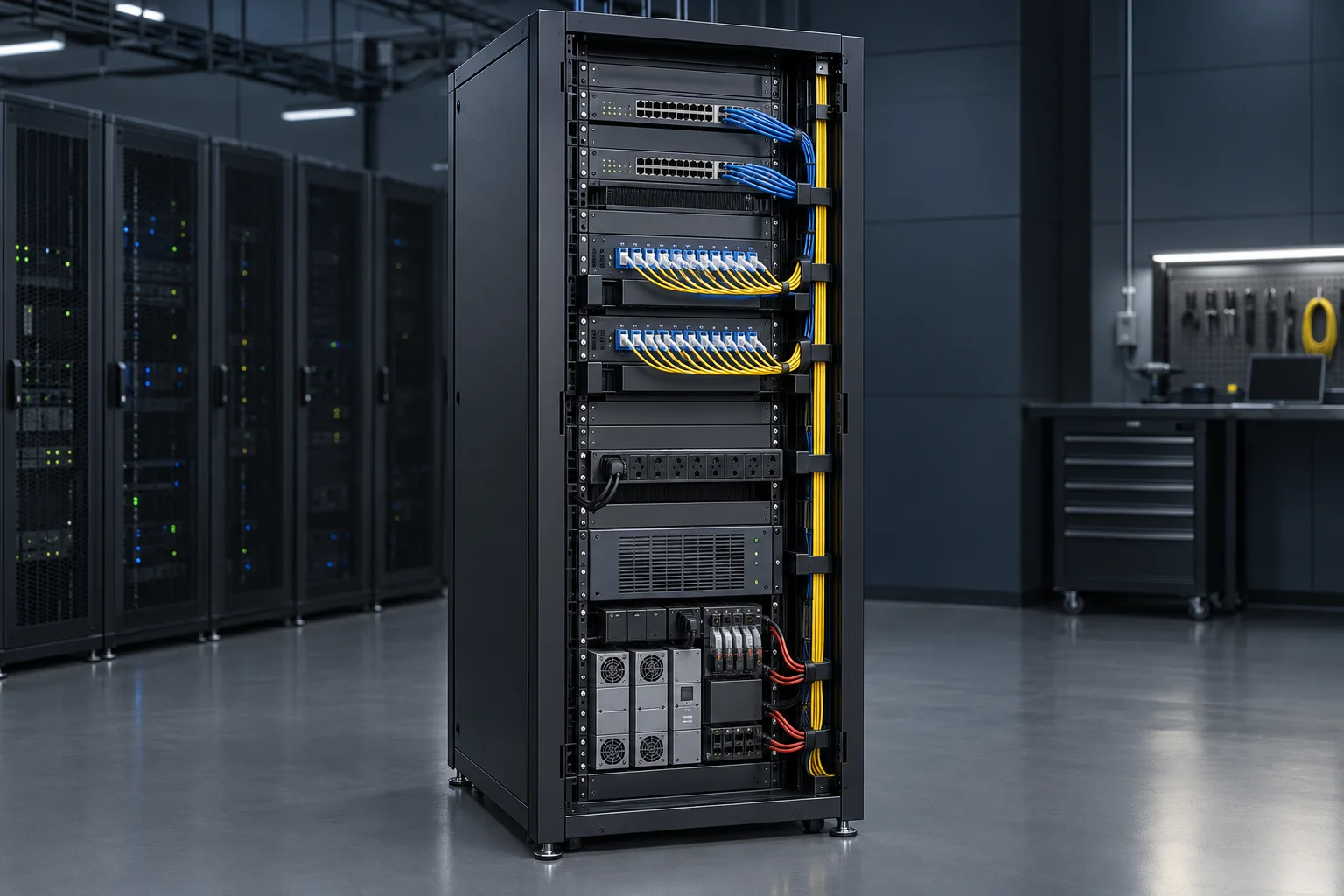
Rooms and enclosures
Arrange patching, active equipment and power so technicians can reach the planned ports and cable paths.
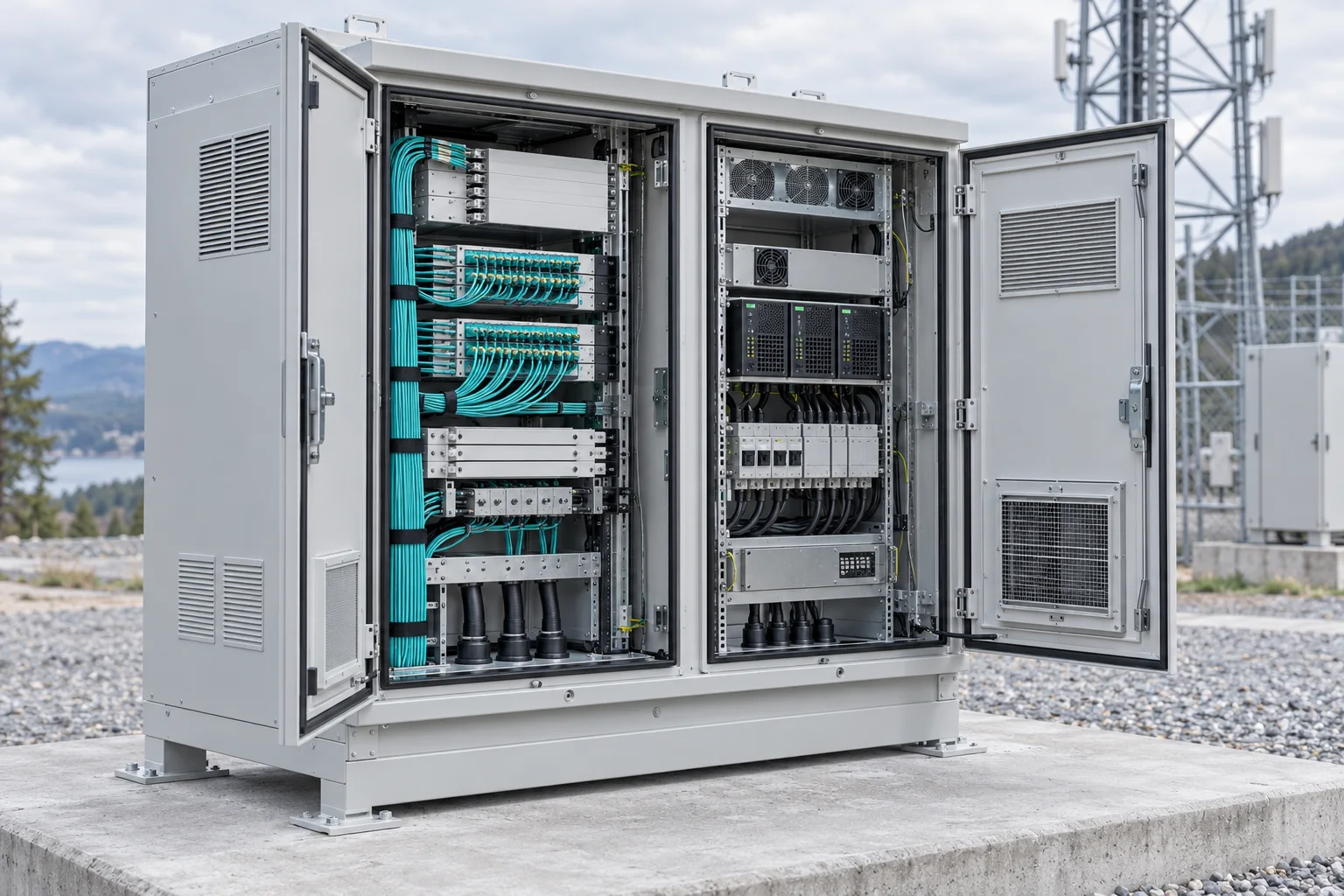
Rooms and enclosures
House fiber and network equipment where the installation requires weather protection and space for service.
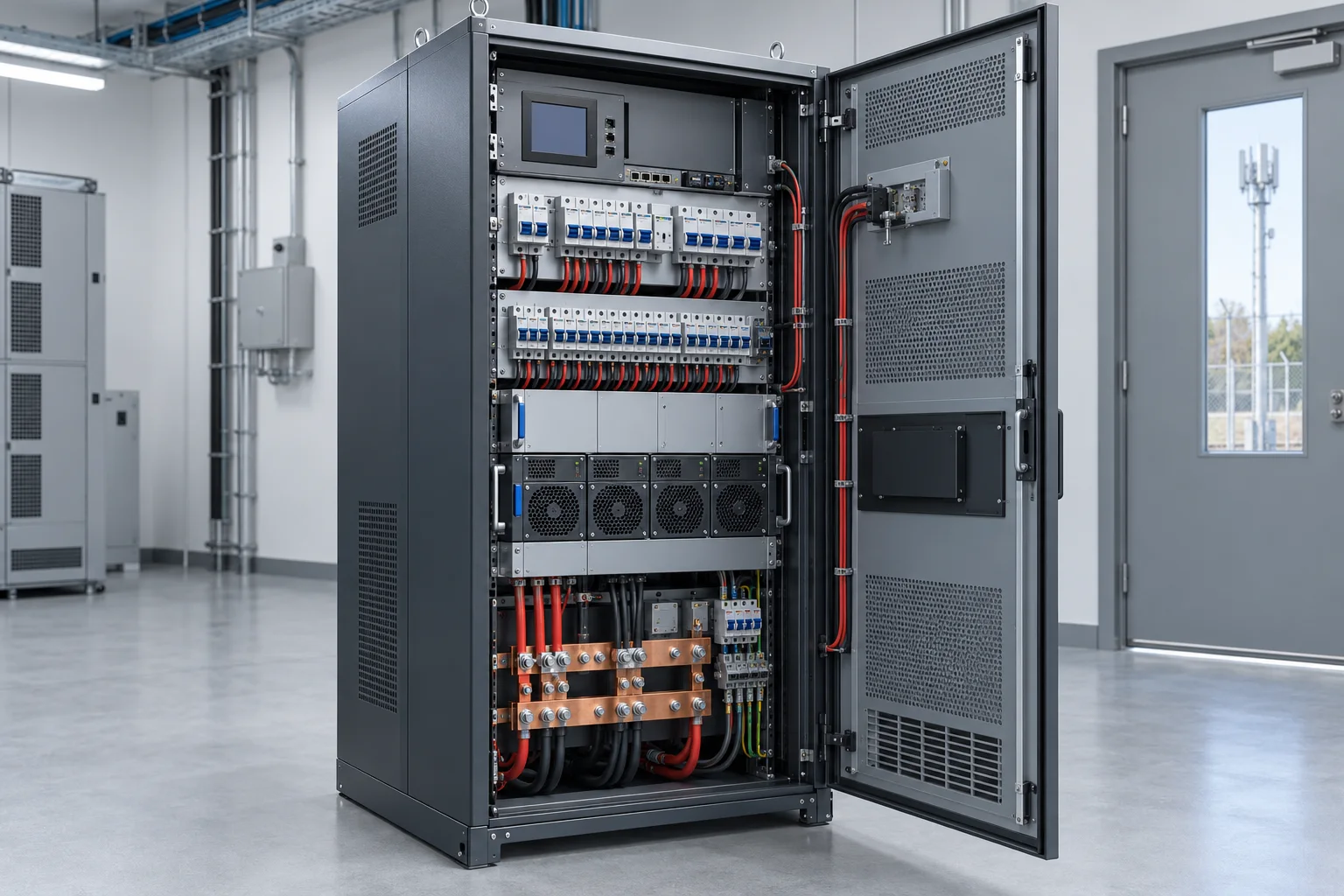
Rooms and enclosures
Organise power feeds and circuits alongside the equipment schedule and the site electrical design.
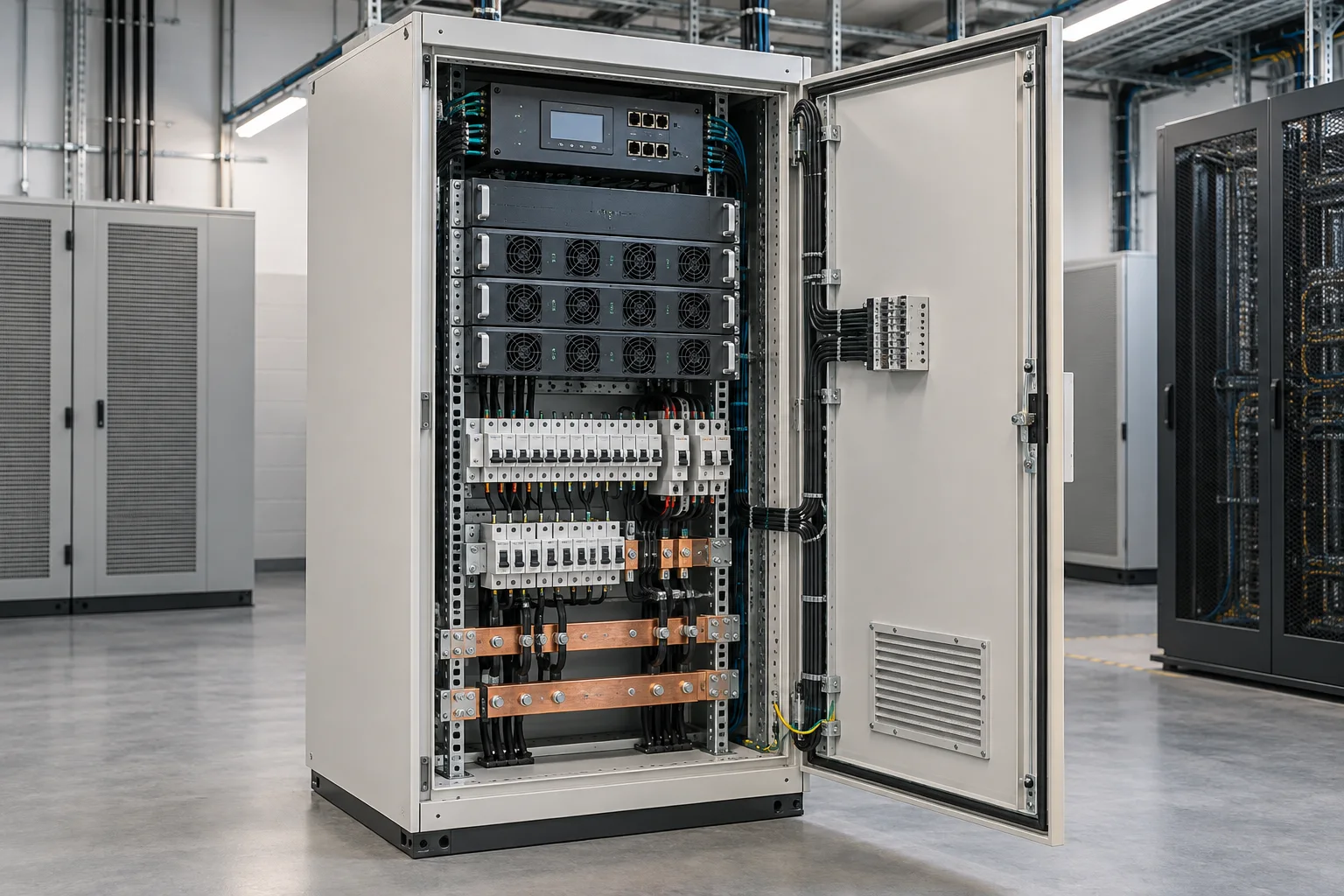
Rooms and enclosures
Plan DC supply and distribution around the actual telecom loads and the site's backup requirements.
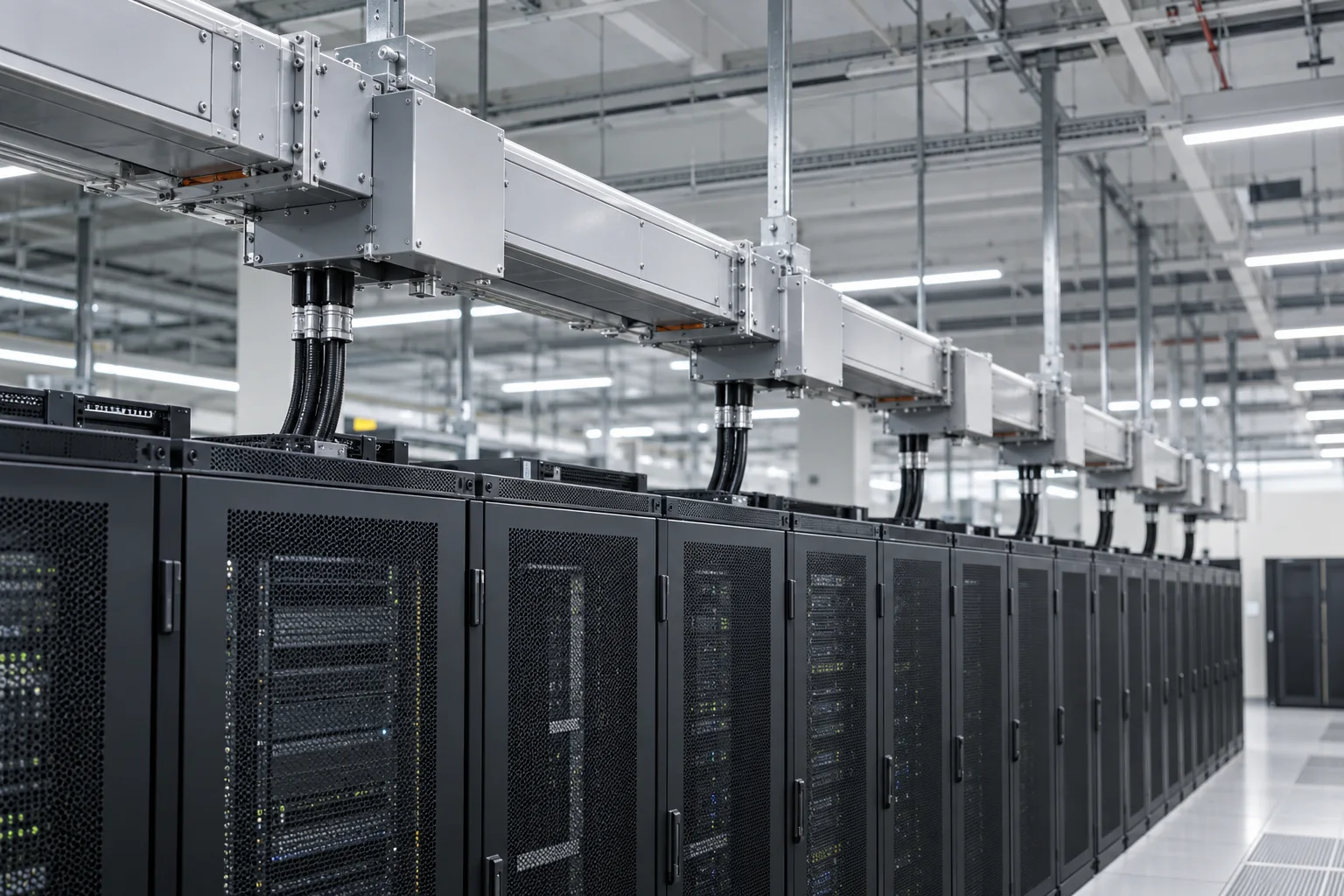
Rooms and enclosures
Evaluate busbar layouts where power distribution needs to follow rows of equipment or provide future tap-off positions.
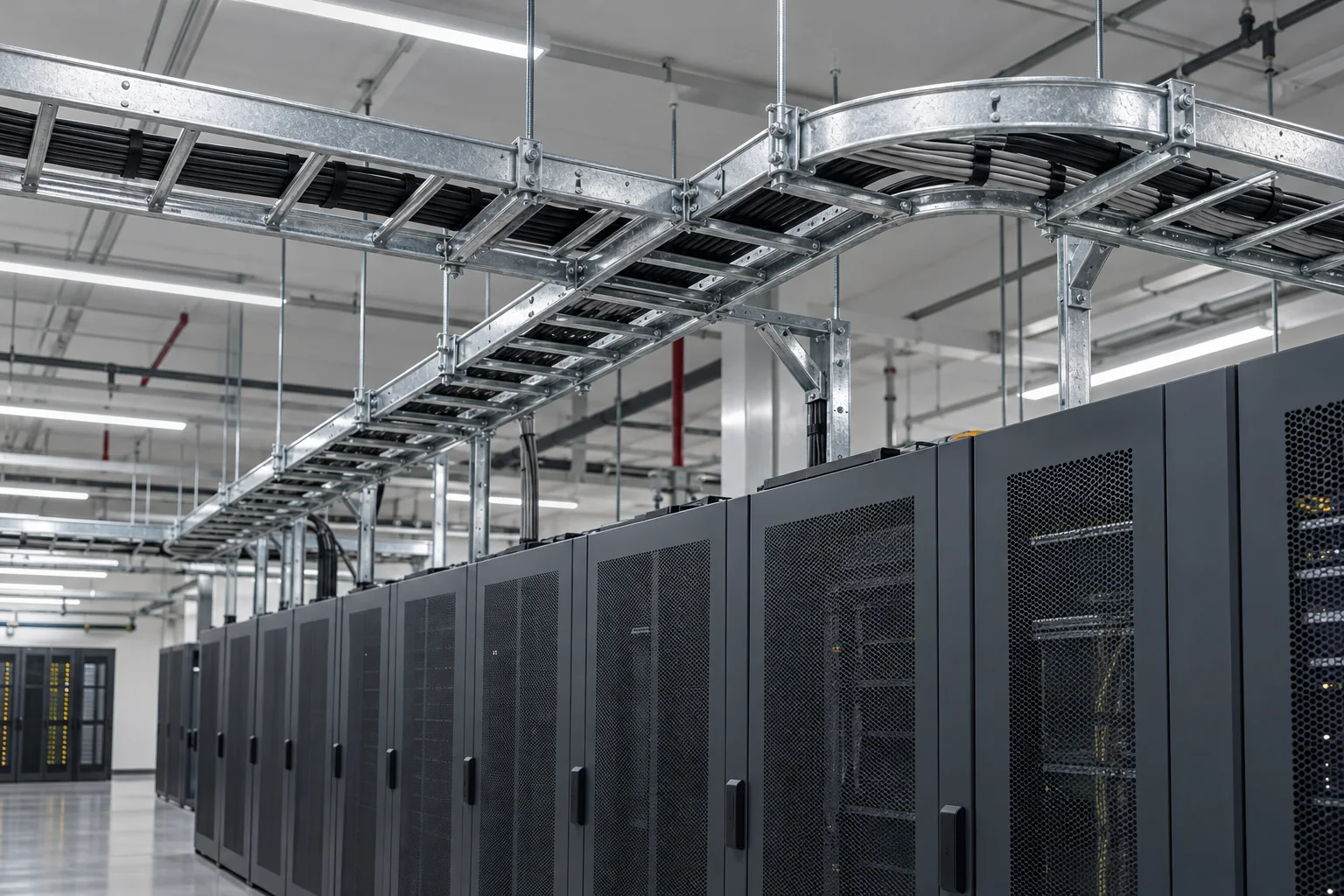
Cable routing
Support cable routes through equipment rooms, service corridors and overhead pathways.
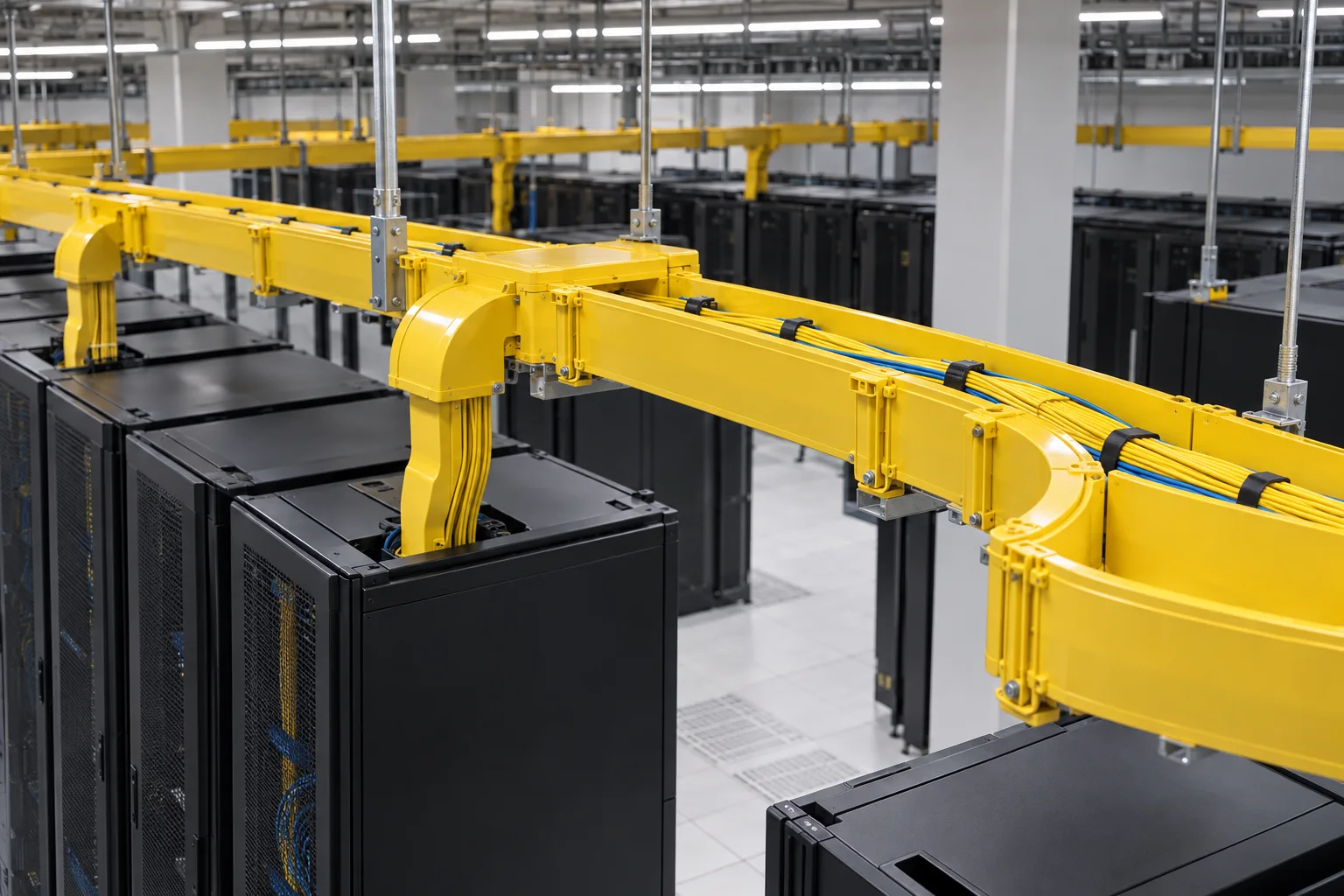
Cable routing
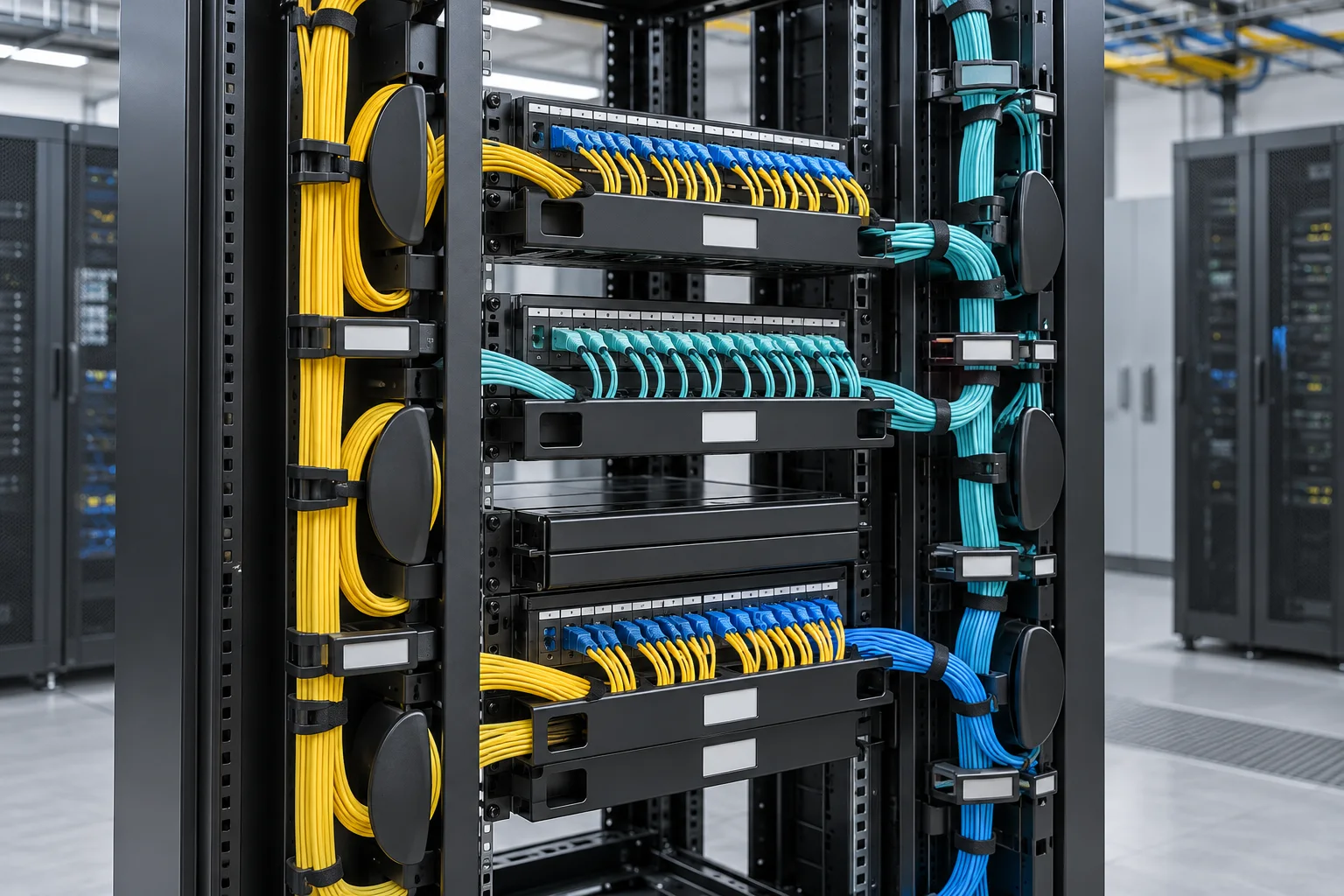
Guide optical leads between racks using controlled transitions and drop-outs from a dedicated pathway.
Cable routing
Guide patch leads and store slack so a technician can change one connection without disturbing its neighbors.
Testing and splicing
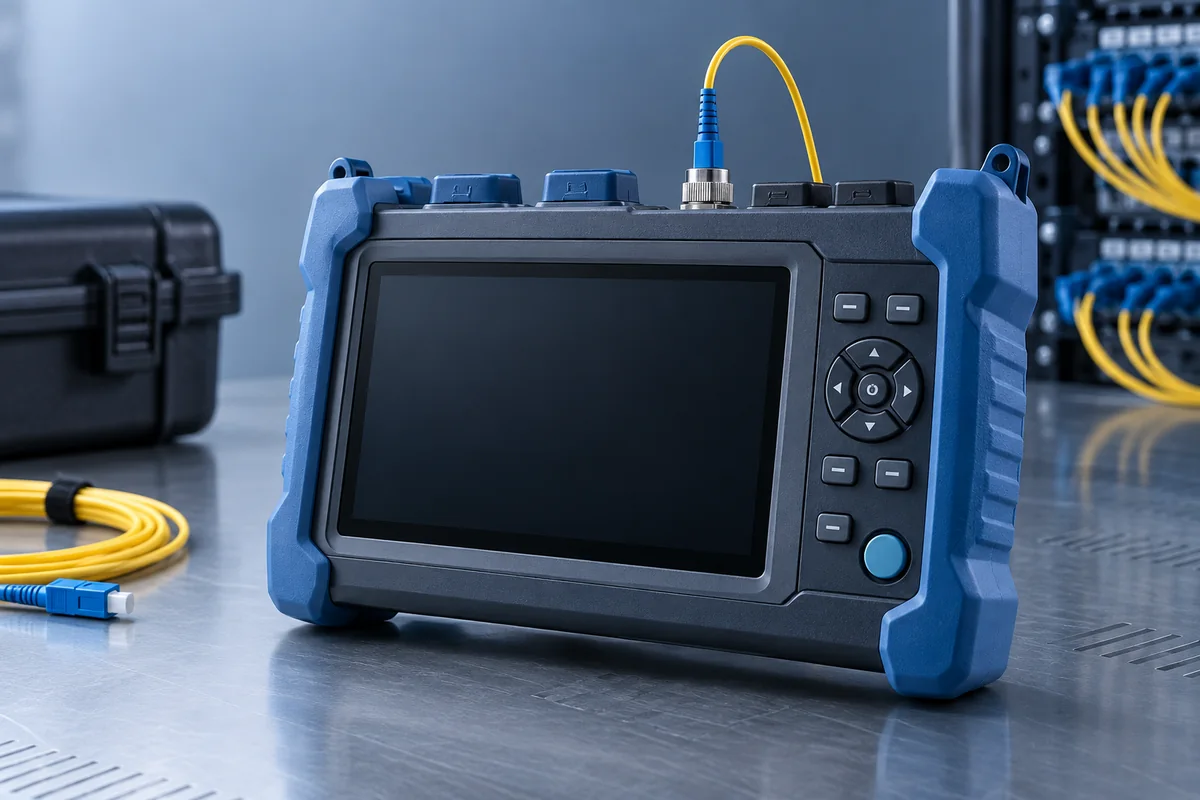
Locate and characterise events along an installed fiber with the appropriate instrument setup and reference leads.
Testing and splicing
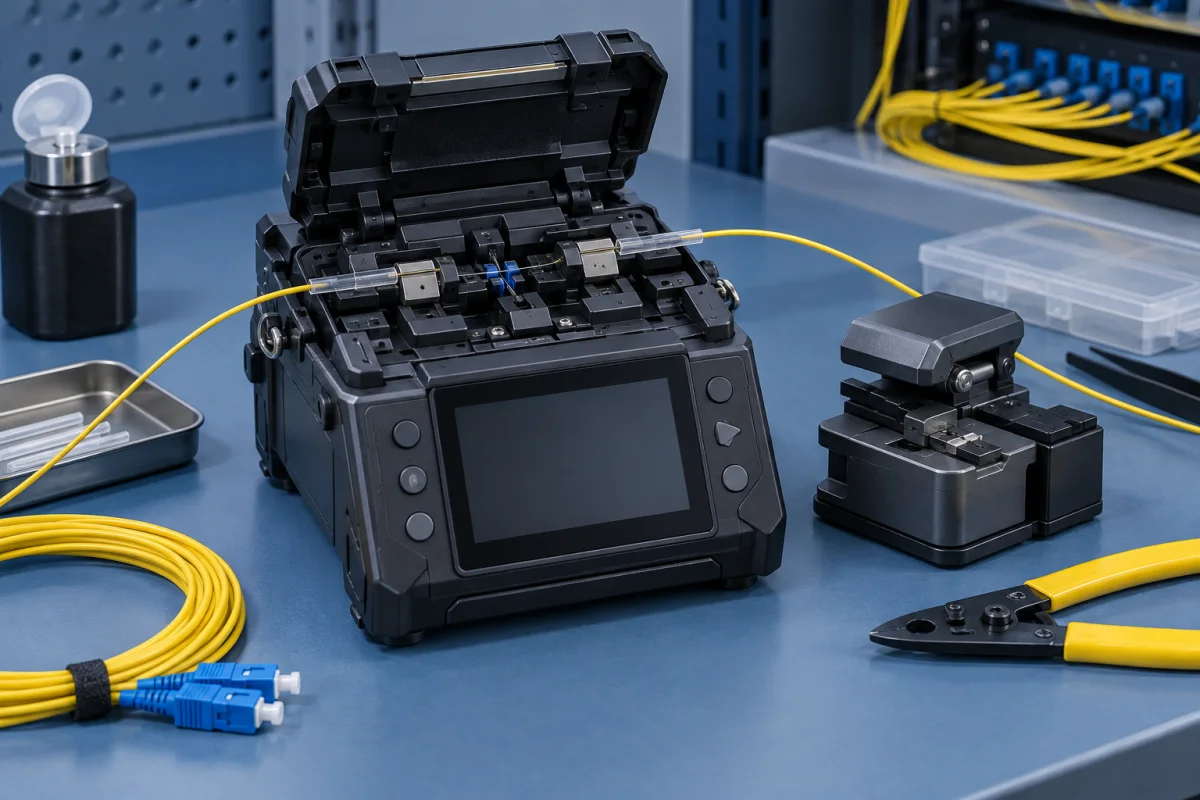
Prepare and join compatible fibers, then protect each splice and secure it in the planned tray.
Bring a port schedule, cable route and draft equipment list so we can discuss interfaces, quantities and mounting together.