
Address Allocation For Private Internets
Search optical fiber, connectivity, cable management and network infrastructure references.
- Address
- Allocation
- Private
Articles and technical references
8 on this page-
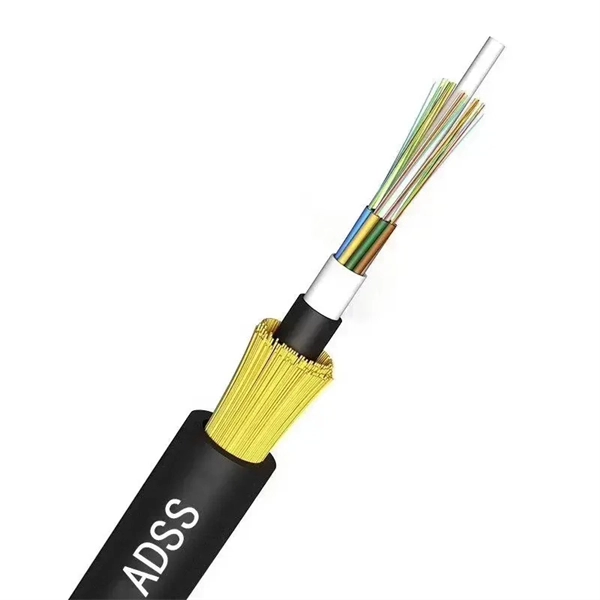
IP Allocation for Private Network Fiber Optic Communication
Use this IP allocation calculator to plan IPv4 private ranges, subnet prefixes, VLAN pools, DHCP capacity, static reservations, HA VIPs, and wasted addresses. Private ranges keep LAN routes away from public IPv4 space. Use active devices plus expected DHCP clients. This...
[PDF Version]
-
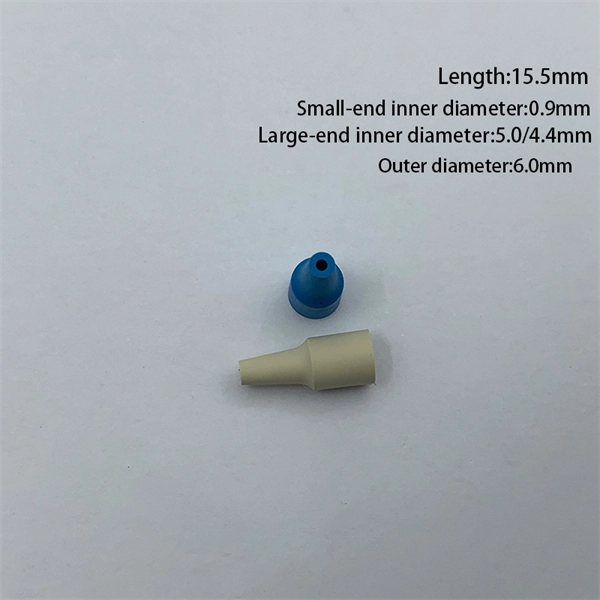
High-precision optical attenuators for power grid private networks
The types include VOAs made of 2D MEMS having good repeatability and low cost; VOAs made of 1D MEMS having >70 dB high attenuation; VOAs made of fiber directly coupled to fiber MEMS having ultra-low loss <0. Unlike fixed attenuators, which provide a constant loss, VOAs allow...
-
Network rack allocation
Free online rack space calculator to determine server rack U space requirements, equipment placement, and rack utilization. Rack Elevation or Server Rack Layout Software are simple tools to plan and document the cabling of your server cabinet. To make it even easier for you...
[PDF Version]
-
How to use the IP address of an industrial Ethernet switch
Prepare the default IP address, username, and password of the switch. How to configure DHCP vs static IP on an industrial Ethernet switch? Configuring DHCP vs Static IP on an Industrial Ethernet Switch 1. Accessing the Switch Management Interface Use the switch's console...
-
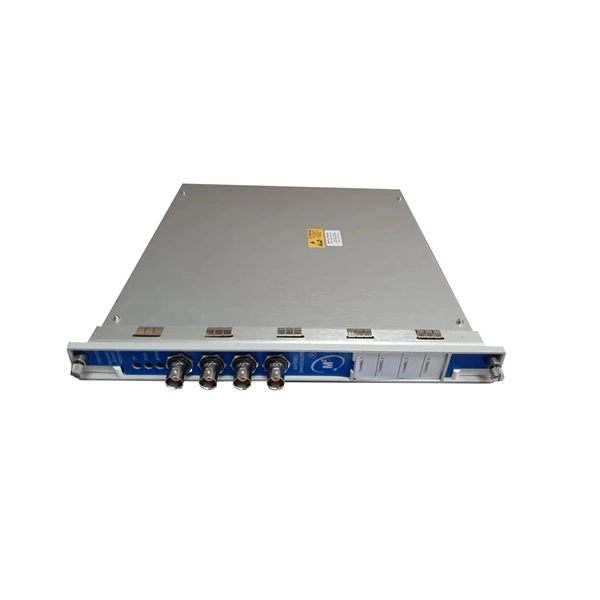
Configuring a Static IP Address for the TP5428 Core Switch
1) Go to page L3 FEATURES > Static Routing > IPv4 Static Routing Config. Click to load the following page and configure the parameters related to the switch's gateway. Page 1 TL-SG5428 24-Port Gigabit L2 Managed Switch with 4 SFP Slots TL-SG5412F 12-Port Gigabit SFP L2...
[PDF Version]
-
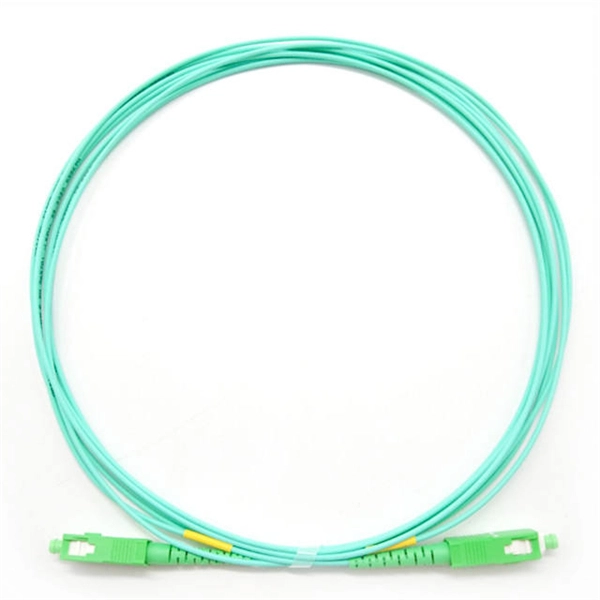
How to configure a fiber optic broadband IP address and a wireless router
To set up your router for fiber internet quickly, connect the router to your fiber modem, access the router's settings via a web browser, and input the provided ISP credentials. Make sure to update the firmware, configure Wi-Fi security, and customize your network name for...
-
How to check the core switch IP address on a PC
Open the Command Prompt by pressing the Windows key + R, typing "cmd" in the Run dialog, and pressing Enter. Scroll through the results until you find the network adapter that is connected to your switch. While it might seem like a technical hurdle, several straightforward...
[PDF Version]
-
Can a beam splitter be used to address high optical decay
Beam Splitters – optical power splitter, beamsplitter, thin-film. Generally, cube beam splitters cannot tolerate a high optical powers as plate beam spli.
[PDF Version]
Continue in the technical library
- Venezuela Cable Tray Ladder Type
- High-voltage power fiber optic cable splicing technology
- Does the fireproof cable tray include fireproof partitions
- Single-mode or dual-mode for home fiber optic transceivers
- Power plant relay protection is used in professional fields
- Explosion-proof rating of Chinese factory power distribution boxes